SysMon Hud
A downloadable tool
Features
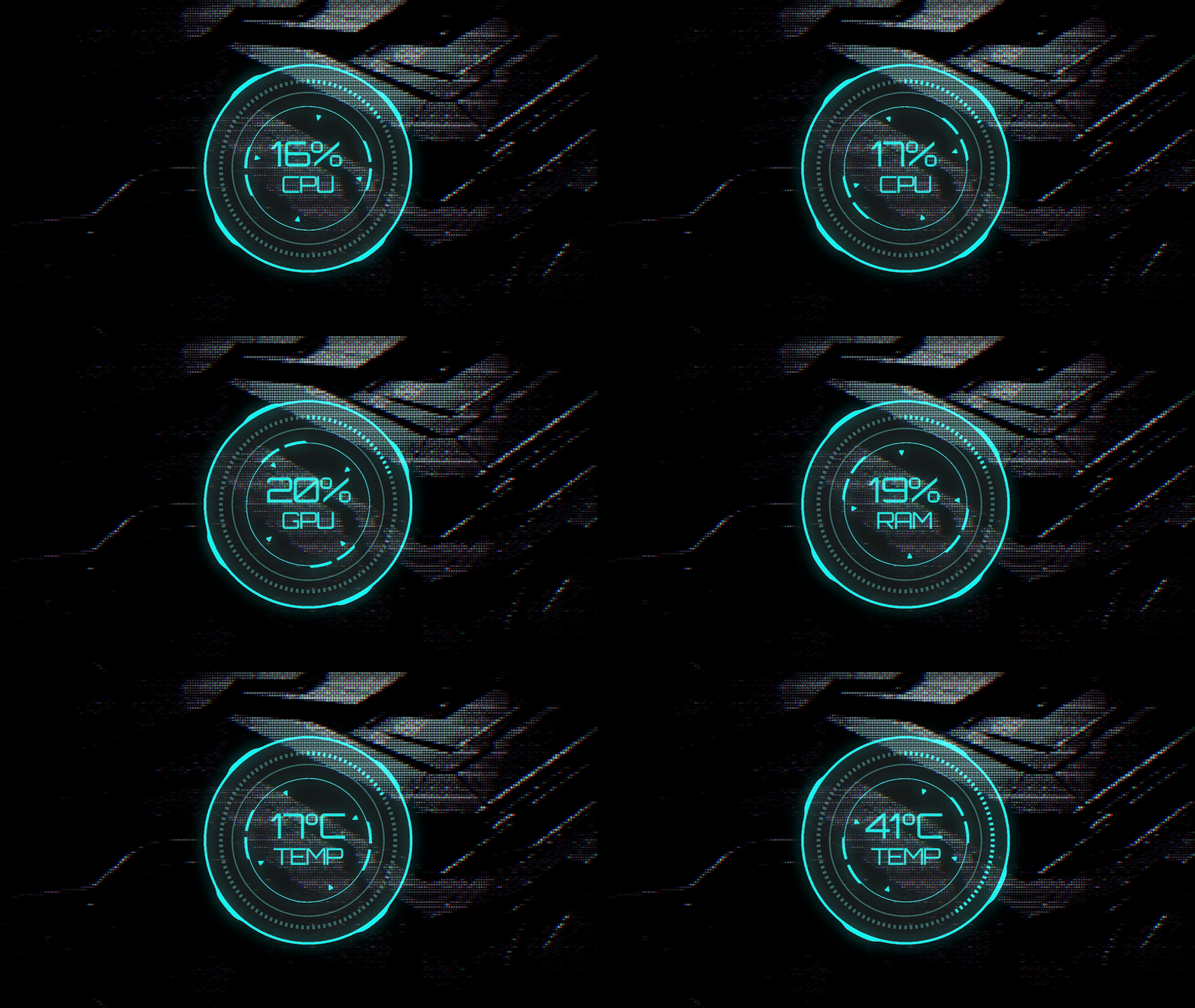
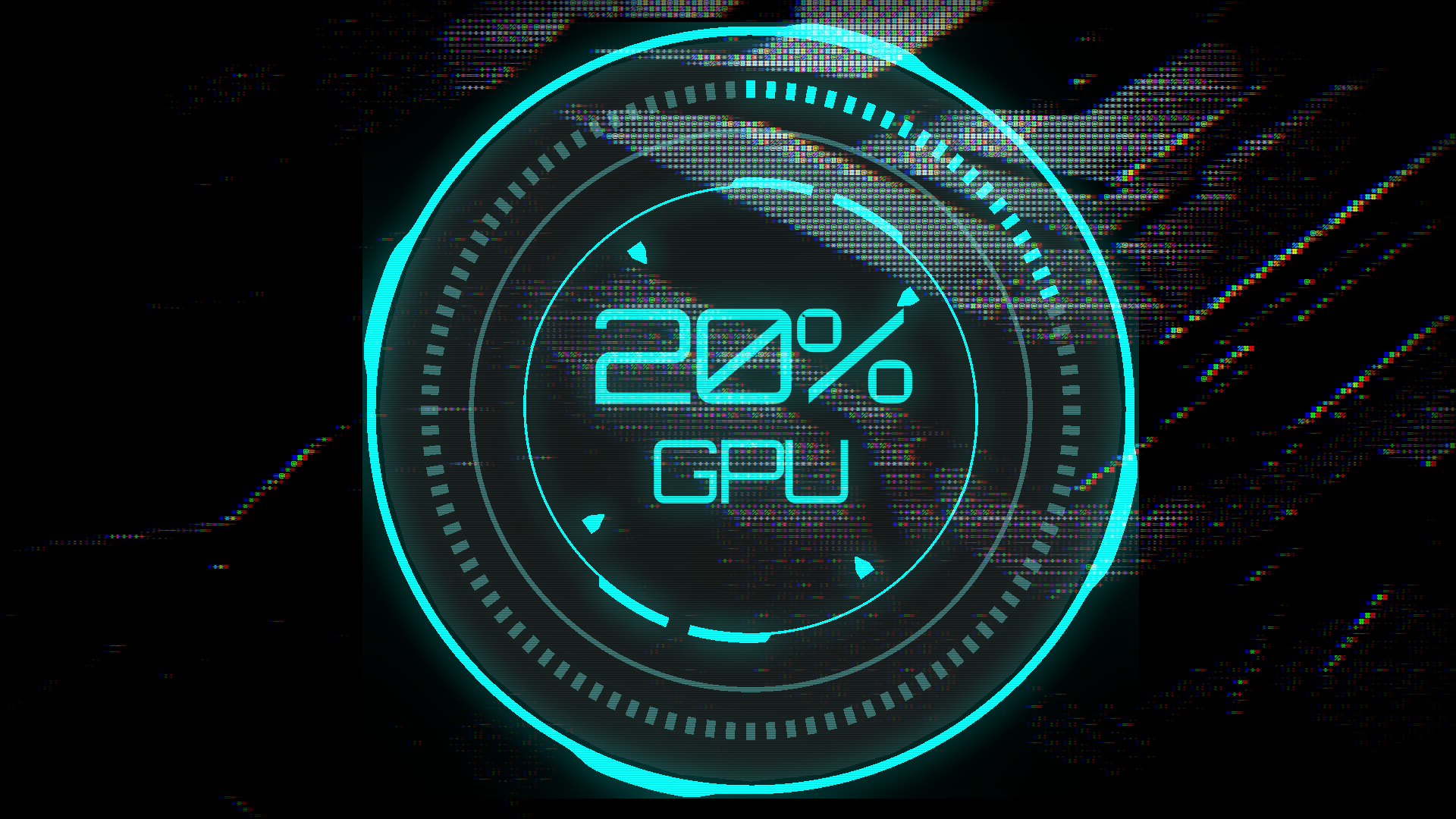
- Real-time CPU, GPU, and RAM monitoring
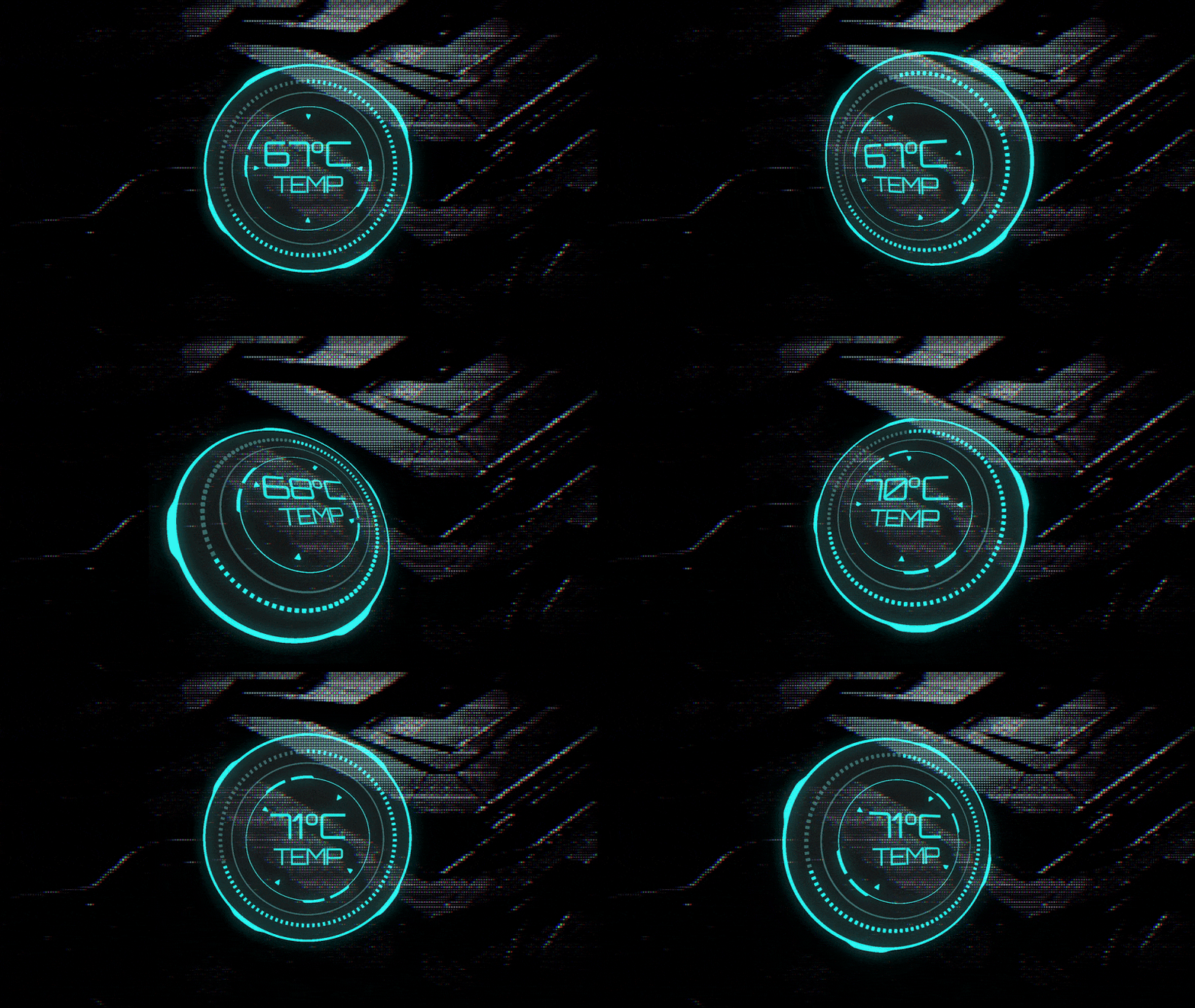
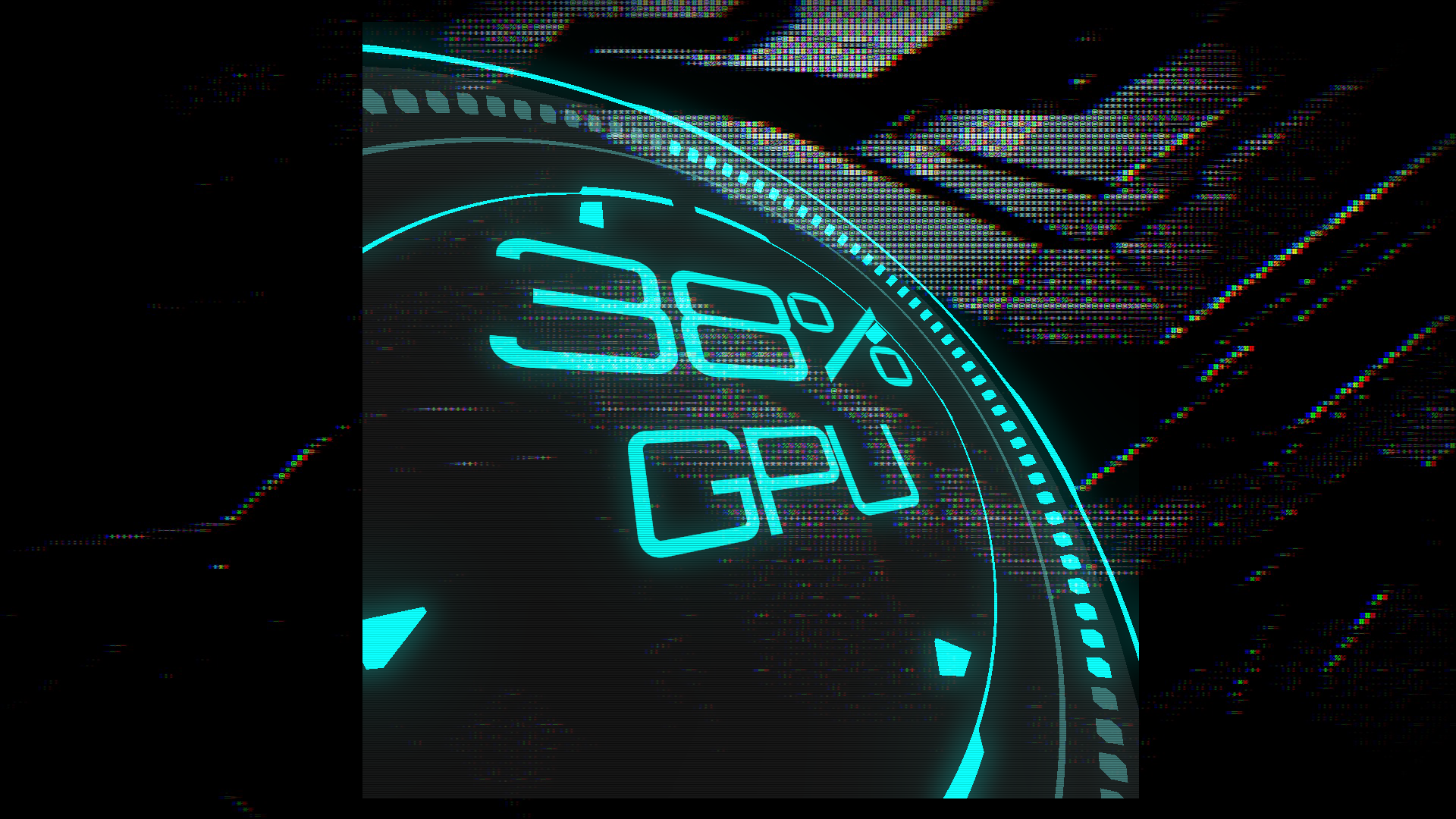
- Sleek circular HUD design
- Transparent overlay window
- Sci-fi aesthetic with Orbitron font
- Always-on-top display
- 3D Rotation
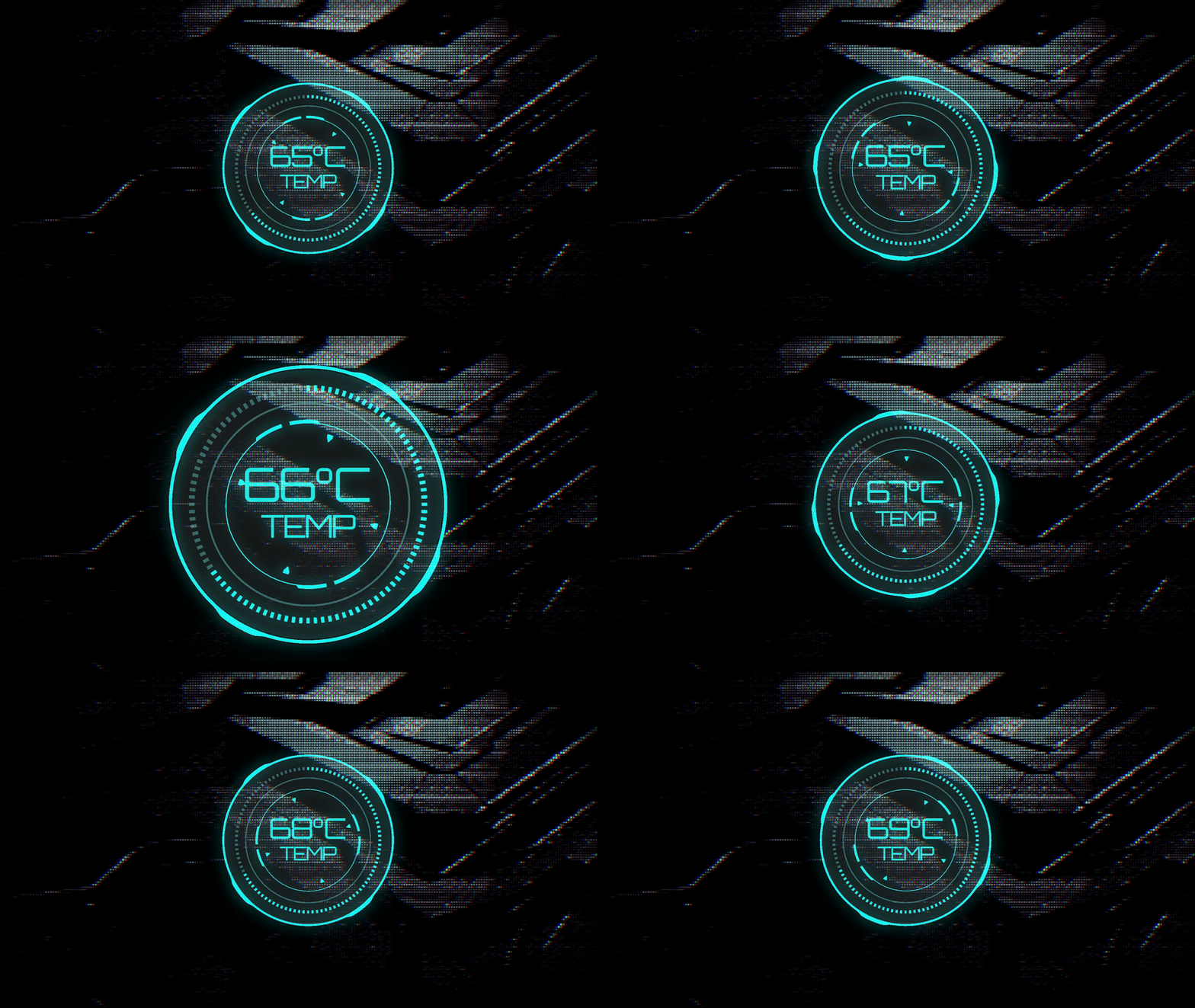
- Resize perfectly thanks to vectors technology
How to Use
- Launch SysMon HUD - it will appear as a transparent overlay on your desktop
- Left-click to cycle through CPU, GPU, and RAM metrics
- Use your mouse wheel to resize the widget to your preference
- Right-click and drag to rotate and position the widget
- To close: Right-click the application icon in the taskbar and select "Close"
Windows Defender Smart Screen Warning
You might receive a Windows Defender Smart Screen warning because this application is new and not commonly downloaded.
Click on More Info and Run Anyway to run the app.
Controls
Left Click: Switch between metrics (CPU/GPU/RAM)
Mouse Wheel: Adjust widget size
Right Click + Drag: Adjust widget orientation/rotation
To Close: Right-click taskbar icon → Close (no close button on widget to keep design minimalistic)
Download
Click download now to get access to the following files:
Leave a comment
Log in with itch.io to leave a comment.